In 2022, a seven-person visual effects team used a Runway tool to rotoscope a green-screen "rock universe" sequence for Everything Everywhere All at Once, cutting a job that normally took days down to minutes. The film went on to win Best Picture. Four years later, Runway is a $5.3 billion company backed by Nvidia, and the tool that quietly helped a tiny VFX crew has become the model every other AI video company gets measured against.
Kling AI is the rival most people actually mean when they say that. Kuaishou's video model has signed up more than 100 million users worldwide since it launched in June 2024, and in July 2026 it closed a funding round worth nearly $3 billion at an $18 billion valuation, backed by Tencent and Alibaba, two companies that rarely back the same anything. Two very different companies, two very different piles of new money, and one shared bet: that AI video is now good enough to build a real business on.
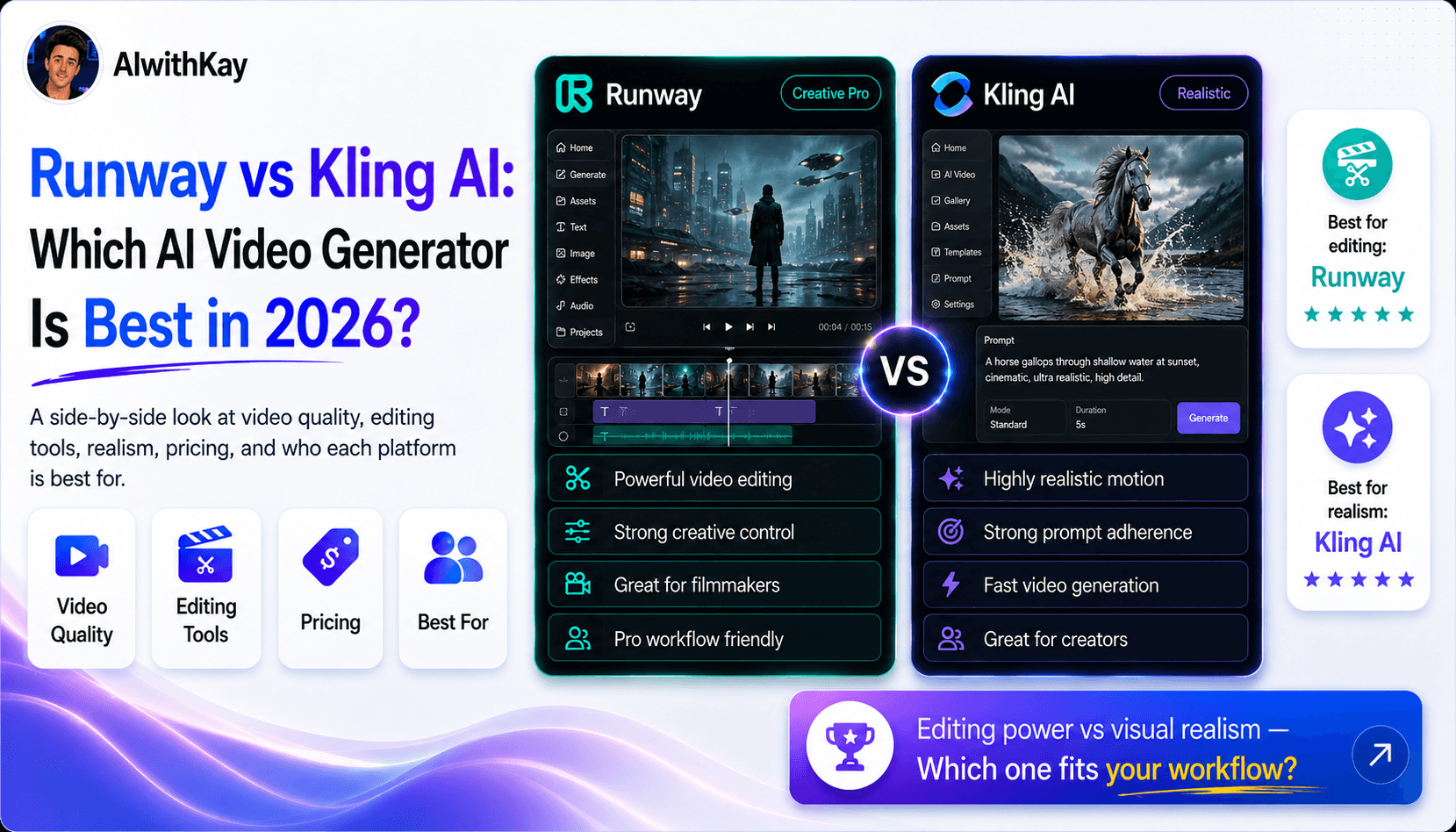
So which one should you actually use? This guide compares Runway's Gen-4.5 against Kling's Video 3.0 line on camera control, realism, clip length, pricing, and what each company is actually trying to build, a full creative suite for Runway, a value-priced realism engine for Kling. No paid subscription to either was tested for this piece. Everything below is grounded in each company's own documented features and pricing pages, plus independently verified funding and user numbers, cited as we go.
Quick Overview: Runway vs Kling AI at a Glance
Category | Runway | Kling AI |
|---|---|---|
Made by | Runway AI, Inc. (New York) | Kuaishou (Beijing) |
Flagship model | Gen-4.5 | Kling Video 3.0 (Turbo / Omni) |
Starting price | $15/mo, $12/mo billed annually | $10/mo, $6.60/mo billed annually |
Free plan | 125 one-time credits | Daily credits that expire in 24 hours |
Best known for | Camera control, character consistency, editing existing footage | Native 4K/60fps realism, longer single-shot clips, value pricing |
Best for | Filmmakers, agencies, and studios that need precise creative control | Creators and marketers who want the most finished video per dollar |
What Is Runway?
Runway was founded in New York in December 2018 by Cristóbal Valenzuela, Anastasis Germanidis, and Alejandro Matamala, three NYU classmates who started out building AI tools for artists. The team went on to co-author the latent diffusion research that Stable Diffusion is built on, before turning its full focus to video.
The Gen series has moved fast since then: Gen-2 opened text-to-video generation to the public in 2023, Gen-3 Alpha landed in 2024, and Gen-4.5 is the current flagship as of 2026, adding a physics-aware engine for fluid, gravity, and lighting simulation on top of stronger character consistency. Runway has real studio traction behind that progress, its rotoscoping tool shaved days off VFX work on the Best Picture winner Everything Everywhere All at Once, and in 2026 Lionsgate took an equity stake in the company for a joint IP-development program, alongside production deals with AMC Networks.
In February 2026, Runway raised $315 million in a Series E round led by General Atlantic, nearly doubling its valuation to $5.3 billion, with Nvidia and Fidelity among the backers, per TechCrunch's reporting. That money is funding Runway's next bet: GWM-1, a family of "general world models" for exploring simulated environments, avatars, and robotics, not just generating flat video clips.
What Is Kling AI?
Kling AI is the video generation model built by Kuaishou, the Beijing company behind one of China's largest short-video platforms. It launched for public testing in June 2024, moved through Kling 1.6, 2.0, and 2.1 over the following year, and reached its current Video 3.0 line in February 2026, with a 3.0 Turbo and Omni update following in June 2026 that added native 4K output and a multi-shot storyboard tool.
The growth has been fast even by AI standards. Kling passed 100 million global users by June 2026, and Kuaishou says the model has been used to generate more than 600 million videos across more than 30,000 enterprise clients. Roughly 75% of its revenue now comes from outside China, a sign the model is winning creators on its own merits rather than riding its parent platform's built-in audience.
In July 2026, Kuaishou spun Kling out into its own entity and closed a funding round worth almost $3 billion at an $18 billion valuation, one of the largest single rounds any video AI company has raised, backed by Tencent, CITIC Securities, and Alibaba Cloud among dozens of others, per the South China Morning Post. Kuaishou now plans to list Kling separately on the Hong Kong exchange within 12 months. We covered Kling in more depth in our own Kling AI review, including the credit-expiry issue worth knowing before you subscribe.
Runway vs Kling AI: Feature-by-Feature Comparison
Camera control and character consistency
Runway wins this one clearly. Camera Director and Motion Brush 2.0 give you granular control over pans, zooms, and tracking shots, Aleph applies those same edits, object removal, restyling, camera changes, to footage you already shot rather than only generating new clips, and Act-Two captures face, body, and hand performance without a motion-capture suit. That depth is exactly why Lionsgate uses Runway across pre-visualization and final-frame production, not just for quick concept clips.
Kling's storyboard tool plans multi-shot sequences and its Elements feature keeps a character, product, or logo consistent across generations, genuinely useful, but it's a lighter toolkit than Runway's dedicated editing and performance-capture suite, built more for fast iteration than frame-by-frame control.
Realism, motion physics, and native audio
Kling has the edge here. Video 3.0 was the first mainstream model to generate native 4K at 60fps, and independent testers consistently praise its handling of fabric, water, and natural human motion in image-to-video work. Runway counters with its own physics-aware rendering and a specific strength in short-clip dialogue, its lip-sync holds up especially well in close-ups under 10 seconds, which matters more than it sounds for talking-head ads and character shots.
Both models now generate audio, dialogue, ambience, and sound effects, in the same pass as the video (Kling since version 2.6, Runway through Gen-4.5's audio tools), closing a gap that used to force every clip into a separate sound pass. Independent blind-vote leaderboards shift with every model release, so treat any single ranking as a snapshot, not gospel.
Clip length and multi-shot workflows
This is a genuine, verifiable difference. A single Runway Gen-4.5 generation runs 2 to 10 seconds; a single Kling Video 3.0 generation runs 3 to 15 seconds. If you need one longer, uncut shot, Kling's native ceiling is higher. Both platforms let you go further by chaining generations, Runway inside its editor timeline, Kling through its multi-shot storyboard tool, which plans up to six connected cuts in one pass.
For a single continuous take, Kling has the edge. For a structured sequence where you want to adjust each individual cut afterward, Runway's editing tools give you more to work with once the footage exists.
Ecosystem, access, and who is backing each one
Runway is building toward the enterprise and studio end of the market: a developer platform (Runway Dev), a robotics simulation arm, Nvidia and CoreWeave supplying compute, and Lionsgate and AMC Networks as production partners. Kling is scaling the opposite direction, straight at global consumer and creator volume, with a China-based enterprise base of over 30,000 clients on the side.
Neither model lives only on its own site, either. Kling shows up as a selectable model inside platforms like Artlist, Higgsfield, Weavy, and Flora, and we compared one of those bundling platforms directly in our Higgsfield AI review and our Artlist review. If you already pay for one of those tools, you may already have access to Kling without realizing it.
Runway vs Kling AI: Pricing Comparison
Both companies verified live on their own pricing pages as of early August 2026, so these numbers should hold, but confirm before you buy since AI pricing moves fast.
Runway, per runway.com/pricing:
Plan | Price | Credits and what you get |
|---|---|---|
Free | $0/mo | 125 one-time credits, basic models, 5GB storage |
Standard | $15/mo, $12/mo annual | 625 credits/mo, 4K upscaling, no watermarks |
Pro | $35/mo, $28/mo annual | 2,250 credits/mo, custom voices, 500GB storage |
Max | $95/mo, $76/mo annual | 9,500 credits/mo, 1-month rollover, early model access |
Enterprise | Custom | SSO, workspace analytics, priority support |
Kling AI, cross-checked against independent trackers since Kling's own pricing page blocked our automated fetch:
Plan | Price | Credits and what you get |
|---|---|---|
Free | $0/mo | Daily credits, expire in 24 hours, watermarked, no commercial use |
Standard | $10/mo, $6.60/mo annual | 660 credits/mo, 1080p, watermark removal, commercial rights |
Pro | $37/mo, $24.42/mo annual | 3,000 credits/mo, priority processing, batch generation |
Premier | $92/mo, $60.72/mo annual | 8,000 credits/mo, high priority processing |
Ultra | $180/mo, monthly only | 26,000 credits/mo, beta feature access |
What a second of finished video actually costs: Runway's Gen-4.5 spends 25 credits per second, so the $12/mo Standard plan buys about 25 seconds of finished video a month, roughly $0.48 a second. Kling's Video 3.0 spends 6 to 12 credits per second depending on resolution and audio, so its $6.60/mo Standard plan buys somewhere between 55 and 110 seconds a month, roughly $0.06 to $0.12 a second. At the entry tier, Kling stretches a dollar two to eight times further than Runway does. That gap narrows at the higher tiers, but it never closes.
Runway vs Kling AI Use Cases: Which One Fits What You Are Making
Choose Runway if:
You need precise camera moves, characters that stay consistent across dozens of shots, or want to edit and restyle footage you already have rather than only generate new clips
You're producing dialogue-heavy content and need reliable lip-sync on shorter clips
You're a studio, agency, or team that wants image, video, audio, and performance capture in one subscription
You want to bet early on Runway's world-model tools for simulated environments and avatars, not just flat video
Choose Kling AI if:
You want the most finished video per dollar, its entry tier stretches roughly two to eight times further than Runway's
You need native 4K at 60fps without a separate upscaling step
Your project is a single, longer continuous shot, up to 15 seconds native versus Runway's 10
You're comfortable working around a credit system that expires monthly with no rollover
Runway vs Kling AI: Pros and Cons at a Glance
Runway
Pros | Cons |
|---|---|
Deepest creative toolset: editing, performance capture, and world models in one subscription | Priciest entry point of the two |
Real studio and enterprise traction, including a Lionsgate equity stake and AMC Networks production deals | Gen-4.5 burns credits fast, a single clip can eat a big share of a monthly allowance |
Strongest short-clip dialogue lip-sync of the two | Native single clips cap at 10 seconds |
Public affiliate program pays $15 per referred paying subscriber | Some users report inconsistent output quality and heavy content moderation on benign prompts |
Kling AI
Pros | Cons |
|---|---|
Cheapest entry price and by far the most credits per dollar | Credits expire monthly with no rollover, unused spend is simply lost |
Native 4K at 60fps, the first mainstream model to ship it | Trustpilot average of just 2.8/5, driven largely by billing and failed-generation complaints |
Longer native single-shot clips, up to 15 seconds | No public affiliate program, only an invite-only commission-share scheme |
Over 100 million users worldwide, one of the most-used AI video tools on Earth | Editing and performance-capture toolset is thinner than Runway's |
Final Verdict: Runway or Kling AI?
There's no universal winner here, and anyone telling you otherwise is skipping the part where these two tools are built for different jobs.
If you're price-conscious and want the most finished video for the least money, Kling wins clearly. Its entry tier delivers two to eight times more usable seconds per dollar than Runway's, it renders native 4K without an upscaling step, and its single shots run longer before you need to cut. For solo creators, marketers producing short-form content at volume, or anyone still deciding whether AI video belongs in their workflow, that math is hard to argue with.
If you need real creative control, precise camera moves, characters that hold up across dozens of shots, and the ability to edit footage you already have rather than only generate new clips, Runway is worth the extra cost. It's also the steadier long-term bet for paid client or studio work: Lionsgate took an equity stake in Runway, not Kling, and Nvidia is supplying its compute. That kind of institutional weight tends to matter once a project has a real budget and a real deadline attached to it.
And if you're already inside a platform like Higgsfield or Artlist, the honest answer is you may not need to choose at all, both models often sit in the same dropdown menu there, priced under that platform's own plan rather than either company's own pricing page.
Test Kling's free daily credits at kling.ai if budget is the deciding factor for you. Test Runway's free 125 credits at runway.com if control is.
GOT ANY QUESTIONS LEFT?
Is Runway or Kling AI better for AI video in 2026?
How much does Runway cost compared to Kling AI?
Which has better video quality, Runway or Kling AI?
Does Runway or Kling AI have an affiliate program?


