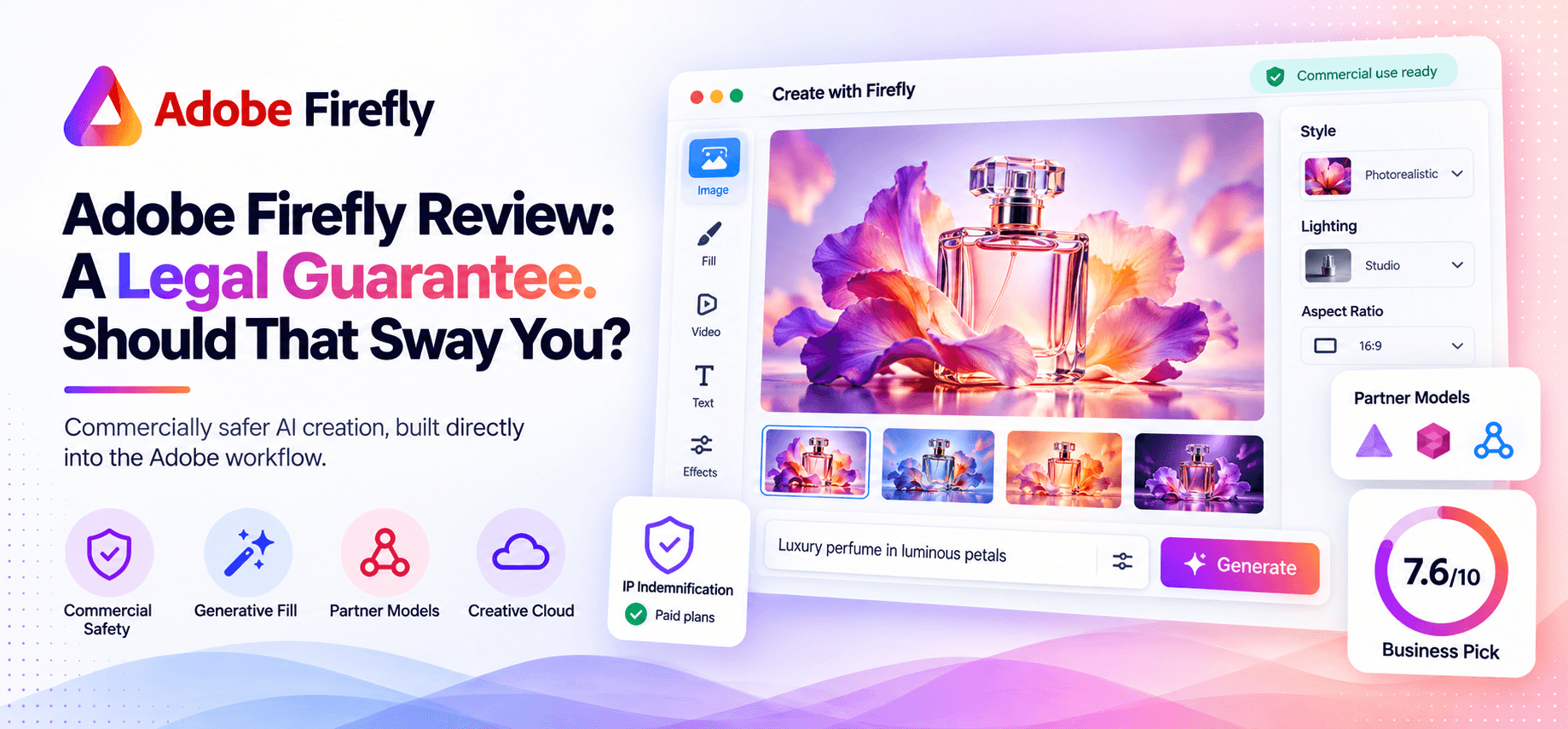
Most AI image generators will happily make you a picture. Almost none of them will put their name behind a legal promise that using it won't get you sued. Adobe does, for paying Firefly subscribers, and that one difference explains most of who actually pays for Firefly instead of a technically flashier competitor.
Adobe Firefly generates images, video, and design assets from text prompts, built specifically to be commercially safe: trained on Adobe Stock, licensed content, and public domain material, with IP indemnification included for paid subscribers. It works standalone or bundled into Creative Cloud, and plugs directly into Photoshop and Illustrator for Generative Fill and other AI-assisted editing, rather than living as a separate app you have to context-switch into.
This review covers what that commercial-safety promise actually means in practice, what Firefly costs on its own versus bundled with Creative Cloud, and where its image quality genuinely trails the leaders.
Short answer: Firefly is worth it specifically for commercial and agency work where indemnification matters, or if you're already paying for Creative Cloud and the credits are effectively free. It's not the pick if raw image quality is your only priority, Midjourney and Google's models still lead there.
Quick Verdict
Metric | Detail |
|---|---|
AIwithKay score | 7.6/10 |
Scale | 6M+ monthly active users (+65% YoY), 18B+ generations produced in under two years, used by 75%+ of Fortune 500 |
Best for | Agencies, brands, and businesses that need commercially indemnified image and video generation |
Starting price | Free (25 credits), or $9.99/month (Standard, 2,000 credits) |
Free plan | Yes, limited to 25 generative credits |
Bottom line | The commercial safety and IP indemnification are real, uncommon advantages for business use; raw image quality still trails Midjourney and Google's leading models |
What Works Well / What To Watch
What works well:
Commercially safe by design: trained on licensed content, with IP indemnification for paid plans, a genuine advantage for agency and enterprise work where copyright risk on generated assets is a real business concern.
Deep native integration inside Photoshop and Illustrator, Generative Fill and other AI tools work directly in the apps designers already use daily.
Bundled with Creative Cloud: existing Creative Cloud subscribers already get Firefly credits included, effectively free if you're already paying for the suite.
Access to partner models: use select non-Adobe models alongside Firefly's own from the same interface, rather than being locked to one generation engine.
Genuinely massive scale for a two-year-old product line: 18 billion generations and 6 million monthly users signal real, sustained adoption, not a launch spike.
What to watch:
The credit system gets confusing: standard generations are unlimited on paid plans, but premium features like video eat into credits, and it's not always obvious upfront what counts as "premium."
Image quality trails the category leaders: Firefly's own models generally lag behind Midjourney or Google's image models on raw visual quality and creative range.
Best value is locked to the Adobe ecosystem, standalone Firefly pricing is meaningfully less competitive if you're not already a Creative Cloud subscriber.
Video generation specifically is newer and less capable than dedicated video generators like Luma or Runway, don't expect it to compete there yet.
Enterprise adoption (75%+ of Fortune 500) is real, but that scale is partly a function of Creative Cloud's existing enterprise footprint, not proof Firefly wins on capability alone.
What Is Adobe Firefly?
Firefly is Adobe's direct answer to the generative AI boom, launched specifically to slot into tools designers were already using rather than asking them to context-switch to a separate app. That design choice, generative fill living inside Photoshop rather than in a standalone Firefly window, is the reason adoption scaled as fast as it did: 6 million monthly active users by mid-2026, a 65% increase year over year, riding directly on Creative Cloud's existing subscriber base rather than needing to win users from scratch.
The commercial-safety positioning is a deliberate business decision, not a side effect. By training specifically on Adobe Stock, licensed content, and public domain material rather than scraping the open web, Adobe can offer IP indemnification to paying subscribers, a real legal backstop most competing image generators don't and can't offer given how their own models were trained. For a freelancer generating personal art, that distinction matters less. For an agency generating assets for a Fortune 500 ad campaign, it can be the entire reason Firefly gets chosen over a technically superior competitor.
By 2026, Firefly had also started opening up to partner models, letting users access select non-Adobe AI models from the same interface, an acknowledgment that Firefly's own models don't lead on raw quality, paired with a bet that workflow integration and legal safety matter more to Adobe's core business customers than winning every side-by-side image comparison.
Key Features
Text-to-image generation. Generate images from prompts using Adobe's own Firefly models.
Generative Fill. Extend, remove, or replace parts of an image, built directly into Photoshop rather than a separate tool.
Text-to-video. Generate short video clips from text prompts, though this trails dedicated video generators in capability.
Commercially safe output. Trained on licensed and public domain content, with IP indemnification for paid users.
Partner models. Access select third-party AI models, including from Google and OpenAI, alongside Adobe's own, from one interface.
Creative Cloud integration. Every Creative Cloud subscription already includes a batch of Firefly credits at no extra cost.
How Firefly Performs In Practice
No paid Firefly account was run specifically for this review, worth saying plainly. What follows is grounded in Adobe's own published usage data, training methodology, and product architecture, not a summary of other sites' star ratings.
Firefly's real advantage isn't winning blind image-quality comparisons against Midjourney, it's a step behind there by most accounts, it's that Generative Fill and Harmonize work natively inside a professional compositing workflow, and that the output carries actual legal backing most competitors don't offer. That's a genuinely different value proposition than "makes the prettiest picture," and it's the specific reason commercial and agency buyers choose it over a flashier competitor.
The friction that's well-documented is the credit system's opacity: which features count as "premium" and consume credits versus which are unlimited isn't always obvious upfront, a UX problem more than a capability problem, but a real one worth understanding before you're mid-project and out of credits unexpectedly.
A practical way to avoid that surprise: generate a small test batch of whatever mix of standard and premium features (still images versus video, specifically) you expect to need in a normal week, and watch your credit balance drop in real time before committing to a project timeline around a specific plan tier. That gives you an honest per-week burn rate instead of relying on the plan's advertised credit count, which doesn't tell you how far it actually goes for your specific mix of work.
Adobe Firefly Pricing in 2026
Verified against Adobe's official Firefly pricing and Tools item research the day this was written.
Plan | Price | What You Get |
|---|---|---|
Free | $0/month | 25 generative credits |
Standard | $9.99/month | 2,000 premium credits |
Pro | $19.99/month | 4,000 premium credits |
Premium | $199.99/month | 50,000 premium credits |
Creative Cloud plans | Included at no extra cost | 500-1,000 Firefly credits/month bundled in |
Is it worth the price? If you're already paying for any Creative Cloud plan, you likely already have Firefly credits included and don't need to pay separately at all, check your existing plan before subscribing to a standalone tier. If you're not in the Adobe ecosystem and specifically need commercially indemnified generation for client or brand work, Standard at $9.99/month is a reasonable entry point, just don't expect it to out-generate Midjourney on raw creative quality.
Adobe Firefly vs Competitors
Tool | Best For | Starting Price | Key Differentiator |
|---|---|---|---|
Adobe Firefly | Commercial work needing legal indemnification and Creative Cloud integration | Free (or bundled with Creative Cloud) | IP indemnification and native Photoshop/Illustrator integration |
Midjourney | Creators prioritizing raw image quality and artistic range | $10/month | Stronger visual quality and creative variety, no indemnification |
Adobe Photoshop | Deep compositing work where Firefly's Generative Fill is one tool among many | $19.99/month (Photography Plan) | Full editing suite with Firefly built in, not a standalone generator |
Midjourney wins decisively on raw image quality and creative range for anyone who doesn't need Adobe's specific legal backing, see our Canva review for where a lighter design tool fits alongside either. Photoshop is less a competitor than the app most people actually use Firefly through, if you already have Photoshop, standalone Firefly may be redundant, check what's already included in your plan first. Firefly's real edge is specifically commercial safety and workflow integration, not winning a blind image-quality test.
Who Adobe Firefly Is Best For
Best for:
Agencies and brands generating assets for commercial campaigns where copyright indemnification is a real business requirement.
Existing Creative Cloud subscribers who already have Firefly credits bundled in and want generative tools inside Photoshop or Illustrator.
Teams that want the flexibility to route a generation task to a partner model without leaving Adobe's ecosystem.
Skip it if:
Raw image quality and creative range are your top priority, Midjourney or Google's leading models will outperform Firefly there.
You need strong AI video generation specifically, Firefly's video tools are newer and less capable than dedicated tools like Luma or Runway.
You're not in the Adobe ecosystem and don't have a specific commercial-safety requirement, a standalone image generator may serve you better for less.
Final Verdict: Is Adobe Firefly Worth It?
Firefly's growth, 18 billion generations and 6 million monthly users in under two years, reflects a real, specific bet that paid off: that commercial safety and native workflow integration would matter more to Adobe's actual customer base than winning every side-by-side quality comparison against Midjourney. For agencies and brands generating client-facing or ad-campaign assets, that bet is sound, indemnification is a real legal backstop most competitors simply don't offer.
The honest caveat is quality, not safety. If raw creative output is what you're optimizing for, Firefly isn't the leader in that specific race, and it doesn't need to be to justify its subscription for commercial use cases. Check what's already bundled into your Creative Cloud plan before paying separately, and choose Firefly specifically when the legal backing matters, not simply because it's convenient.
Curious to see how it performs?
Try
Adobe Firefly
Now
GOT ANY QUESTIONS LEFT?
Is Adobe Firefly worth it in 2026?
How much does Adobe Firefly cost?
Does Adobe Firefly protect me legally if I use the images commercially?
Is Adobe Firefly better than Midjourney?