If you buy through a link on this page, we may earn a commission, at no extra cost to you.
Gamma review, the short version: it turns a rough prompt into a genuinely decent-looking presentation, document, or webpage in under a minute, and the free plan is good enough to actually judge it on. The catch is what happens when you try to leave: PowerPoint export is the single most repeated complaint, and the gap between its 4.3/5 on Microsoft Store and 2.0/5 on Trustpilot is wide enough that it's worth understanding before you pay.
Here's a scene you've probably lived through. It's 11pm, the pitch is due tomorrow at 9am, and you're staring at a blank PowerPoint slide with that little cursor blinking at you like it's judging your life choices.
Gamma's whole pitch is that this scene doesn't have to happen. You type what you want, in a sentence or a rough outline, and it hands you back a finished-looking deck, doc, or webpage, with layout, copy, and images already in place.
This review covers what Gamma actually does well, where it genuinely struggles, what it costs today, and whether it's worth handing your next deck to an AI.
How we put this Gamma review together
This review is built from Gamma's own site and pricing page (checked the day this was written), cross-checked against its Trustpilot rating (2.0/5), its rating on the Microsoft Store (4.3/5), and its Capterra rating (3.7/5), plus recurring themes from independent reviewers and Reddit threads. Gamma.app blocks automated fetching for some pages, so where a number couldn't be pulled live, we cross-checked it against multiple independent sources instead of guessing, and we've said so in the text.
Gamma review: quick verdict
Metric | Detail |
|---|---|
User ratings | 4.3/5 on Microsoft Store, 3.7/5 on Capterra, 2.0/5 on Trustpilot |
Best for | Fast first drafts of decks, one-pagers, and webpages that will mostly be viewed as a link, not exported |
Price range | Free (400 one-time credits) to $100/month for Ultra |
Bottom line | The fastest way we've tested to go from a blank page to a presentable draft. Budget extra time if that draft has to leave Gamma as a PowerPoint file. |
What we like and what needs attention
What works well:
Genuinely fast: a prompt turns into a polished first draft in under a minute, this is the one claim every independent review agrees on
No design skill required, the card-based layout does the visual heavy lifting for you
Clean, responsive output that actually looks good on a phone, since it's a webpage first and a slide deck second
The free plan gives you 400 credits to actually test it on real work, not a crippled demo
Generate API (live since January 2026) for teams that want to build presentation generation into their own product or workflow
What to watch:
PowerPoint export is the most common complaint across review sites: fonts substitute, multi-column layouts shift, and charts can flatten into static images once opened in PowerPoint
AI-generated images and illustrations are frequently described as glitchy or slightly off, even on paid plans
The AI-written first draft of your copy is generic, plan to rewrite it, not just reformat it
Trustpilot sits at a rough 2.0/5, a big gap from 4.3/5 on Microsoft Store and 3.7/5 on Capterra, driven mostly by support and refund complaints rather than the core product
No native import from Google Docs or Google Sheets, you're working from a prompt, a pasted file, or plain text
What is Gamma?
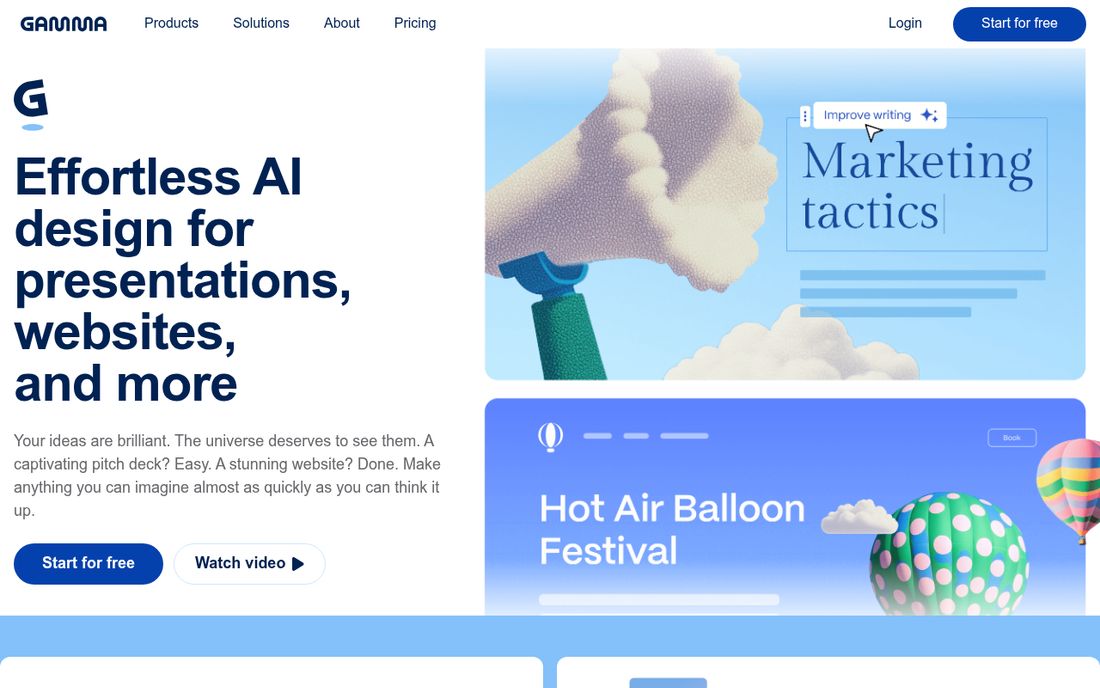
Gamma is an AI tool at gamma.app that turns a prompt, an outline, or pasted text and files into a presentation, a document, or a webpage. Instead of fixed 16:9 slides, everything lives on a single scrollable, card-based canvas that you can present, read, or publish as a live link straight from the same source.
It's aimed at people who need something presentable fast and don't want to fight slide software to get there: founders building a pitch, marketers turning a brief into a one-pager, educators building a course outline, consultants who need a client-ready doc by end of day.
The bit that trips people up at first is that a Gamma project isn't a slide deck pretending to be a webpage, or a webpage pretending to be a deck. It's genuinely both at once. The same cards you'd present on a screen also scroll cleanly on a phone, because the underlying format was built for the browser from day one, not adapted from PowerPoint's grid after the fact.
Key features
Prompt-to-draft AI generation. Describe what you want, paste an outline, or upload a PDF or PPTX, and Gamma drafts a full first version with copy, layout, and images already placed.
Card-based layout. Content lives on a flowing vertical canvas of cards instead of a fixed slide grid, which is why the same file works as a presentation, a scrollable webpage, or a printable doc.
Built-in AI image generation. Generate illustrations and graphics directly inside the editor instead of hunting for stock photos, quality varies but it saves the search.
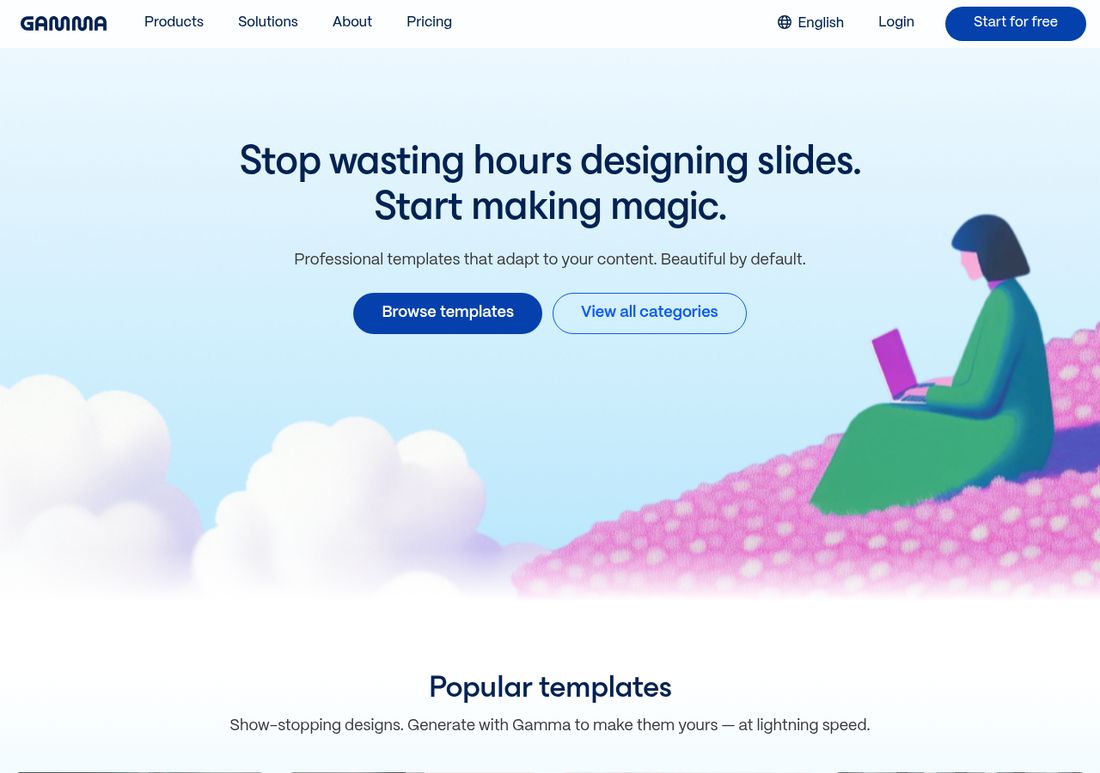
Professional templates. A library of ready-made templates that adapt to your content, useful when you want a specific look rather than whatever the AI defaults to.
Generate API. Generally available since January 2026, it lets teams generate decks, docs, and webpages programmatically and connect the workflow to tools like Zapier and Make.
Live shareable links with analytics. Every Gamma project is a link by default, and paid plans add per-viewer analytics so you can see who actually opened your deck.
How Gamma actually performs
Think of Gamma like a very fast junior designer. Hand it a rough brief and it comes back in under a minute with something genuinely presentable. But you still need to read it over, because it will confidently hand you a slightly generic paragraph or a slightly warped illustration and call it done.
The speed is the headline feature and every independent review agrees on it: a prompt becomes a structured, styled first draft in under a minute, card layouts and images included. For internal updates, brainstorms, and anything that will live as a shared link, that speed alone is the whole pitch.
The friction shows up at the edges. Export a Gamma deck to PowerPoint and there is a real chance fonts get substituted, multi-column cards shift out of place, or a chart renders as a flat image instead of a live one, this is the single most repeated complaint across reviews, and it matters most if your deck's final destination is a client's or investor's laptop, not a browser tab.
The other recurring gripe is image quality. Gamma's built-in AI image generator is genuinely convenient, you never have to leave the editor to find a picture, but reviewers repeatedly describe the results as glitchy or slightly warped, especially on busier scenes with multiple objects or hands. Simple, abstract, icon-style graphics tend to hold up fine, so it is worth swapping in your own photo or a stock image whenever a specific, realistic visual actually matters to the slide.
So what does this mean for you? If your presentation lives and dies as a link, Gamma is one of the fastest tools you'll find. If it absolutely has to survive being opened in PowerPoint on someone else's laptop, test that export before you commit to using Gamma for anything high-stakes.
Gamma pricing: is it worth it?
Plan | Price | What you get |
|---|---|---|
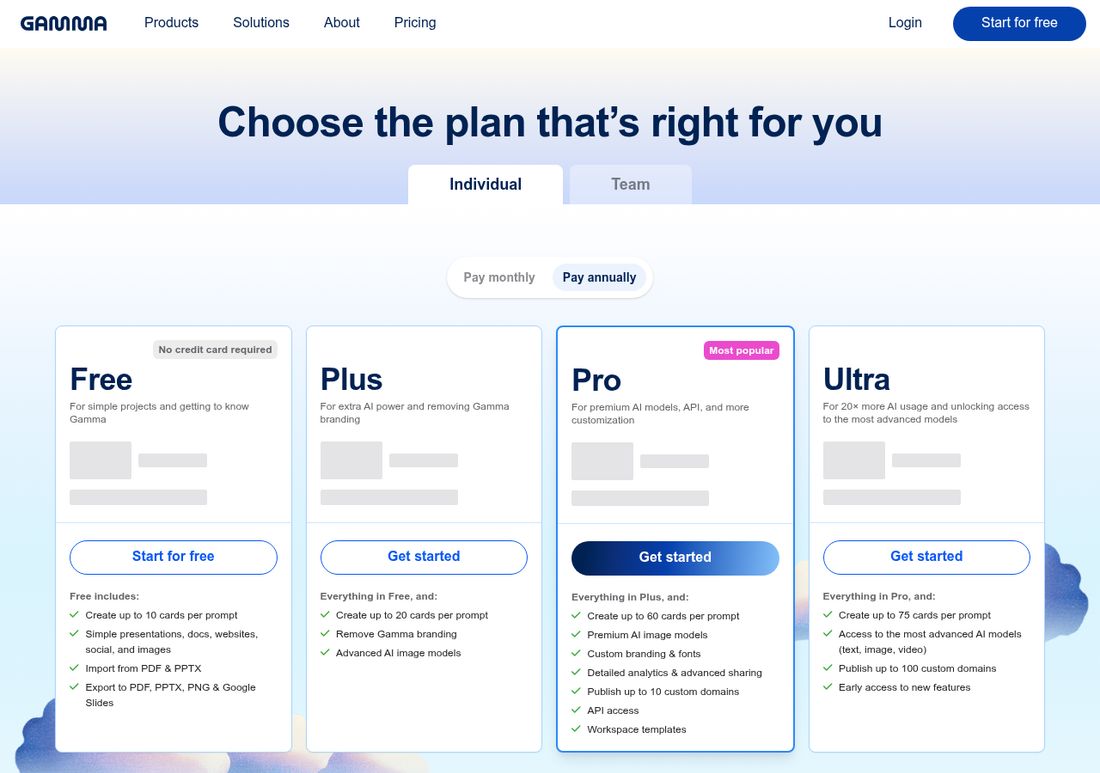
Free | $0 | 400 one-time AI credits, up to 10 cards per prompt, Gamma branding, export to PDF/PPTX/PNG/Google Slides |
Plus | $8/mo billed annually ($10/mo monthly) | 1,000 credits/month, up to 20 cards per prompt, branding removed, advanced AI image models |
Pro | $18/mo billed annually ($20/mo monthly) | 4,000 credits/month, up to 60 cards per prompt, premium AI image models, custom branding and fonts, API access, up to 10 custom domains |
Ultra | $100/month | 20,000 credits/month, up to 75 cards per prompt, access to Gamma's most advanced text, image, and video models, up to 100 custom domains |
Verified on Gamma's pricing page the day this was written; team plans (from $20/seat/month) exist separately for organizations, checked against multiple independent pricing breakdowns since Gamma's own page loads its live price figures client-side and didn't render them for our automated check.
Your 400 free credits are a one-time grant, not a monthly refresh, so treat the free plan as a trial, not a long-term free tier. Once you are paying, only certain actions burn credits (AI edits, premium models, API calls), so a light editing habit stretches a plan further than the raw credit number suggests.
A few practical gotchas worth knowing before you commit to a year upfront, drawn from independent breakdowns of Gamma's billing: unused monthly credits reportedly roll over but are capped at around twice your plan's monthly allotment, annual-plan credits are said to drip in month by month rather than arriving as one lump sum, and refund windows are short. None of this is a dealbreaker, but it's the kind of fine print that's easy to miss when you're just trying to get a deck out the door.
For anyone using Gamma regularly and wanting their own branding on it, Plus at $8/month is the realistic starting point. Pro at $18/month earns its keep once you need the API, custom domains, or premium image models.
Gamma vs the competition
Tool | Best for | Starting price | Key difference |
|---|---|---|---|
Gamma | Fast, web-native decks, docs, and pages | Free, Plus $8/mo | Card-based format works as a deck, doc, or webpage from one source |
Beautiful.ai | Teams that must export clean PowerPoint files | No permanent free plan, Pro from $12/mo | Traditional slide grid built for reliable PowerPoint export |
Canva Magic Design | Design-first teams already living in Canva | Free, Pro around $13-15/mo | Bigger template and brand-asset library, less AI-first drafting |
Prezi AI | Motion-heavy, zoom-style presentations | Free (500 credits), Standard from $7/mo | Distinct zooming-canvas presentation style instead of cards or slides |
If your deck's final form has to be a flawless .pptx file, Beautiful.ai is worth comparing first. If you are already paying for Canva across your team, Magic Design is a reasonable default. Gamma's edge is speed and the fact one draft works as a deck, a doc, and a live webpage without redoing anything.
Who it's best for (and who should skip it)
Best for: founders and consultants who need a client-ready draft fast, marketers turning briefs into one-pagers, educators building course outlines, teams that want a Generate API to build deck creation into their own product.
Skip it if: your final deliverable must be a pixel-perfect PowerPoint file for an investor or client, you need tight Google Workspace import, or you are not willing to rewrite the AI's first-draft copy before anyone else sees it.
FAQ
Is Gamma free to use? Yes. The free plan gives 400 AI credits as a one-time grant, not monthly, enough for roughly 8-10 full presentations, with Gamma branding on the output and no credit card required.
Why does my Gamma deck look wrong in PowerPoint? PowerPoint export is Gamma's most repeated complaint. Because Gamma's native format is a flowing card layout rather than a fixed slide grid, exporting to .pptx can substitute fonts, shift multi-column layouts, and flatten charts into static images.
How much does Gamma Pro cost? Pro is $18/month billed annually, or $20/month billed monthly, and includes 4,000 monthly credits, premium AI image models, custom branding and fonts, API access, and up to 10 custom domains.
Is Gamma actually good, given its low Trustpilot score? Gamma's 2.0/5 on Trustpilot is real but is an outlier next to its 4.3/5 on Microsoft Store and 3.7/5 on Capterra. Trustpilot complaints skew heavily toward billing and refund support rather than the core generation quality.
Can Gamma import an existing PowerPoint or PDF? Yes, both the free and paid plans support importing PDF and PPTX files as a starting point, which Gamma then restyles into its own card-based format.
Is Gamma better than Canva for presentations? Gamma is faster for going from a blank prompt to a structured first draft; Canva has a deeper design and brand-asset library. Teams already standardized on Canva may prefer Magic Design, teams that want speed above all tend to prefer Gamma.
Final verdict
Gamma is genuinely one of the fastest ways to go from a blank page to something you would actually show someone, and the card-based format is a smart bet on how presentations actually get consumed now, as links, not just as slides clicked through in a boardroom. The rough edges are real too: PowerPoint export needs testing before you rely on it, and the AI's first-draft copy and images need a human pass before anyone else sees them.
If your next deck, doc, or one-page pitch can live as a link, try Gamma's free plan and see how far 400 credits gets you before you decide whether Plus or Pro is worth paying for.
Curious to see how it performs?
Try
Gamma
Now